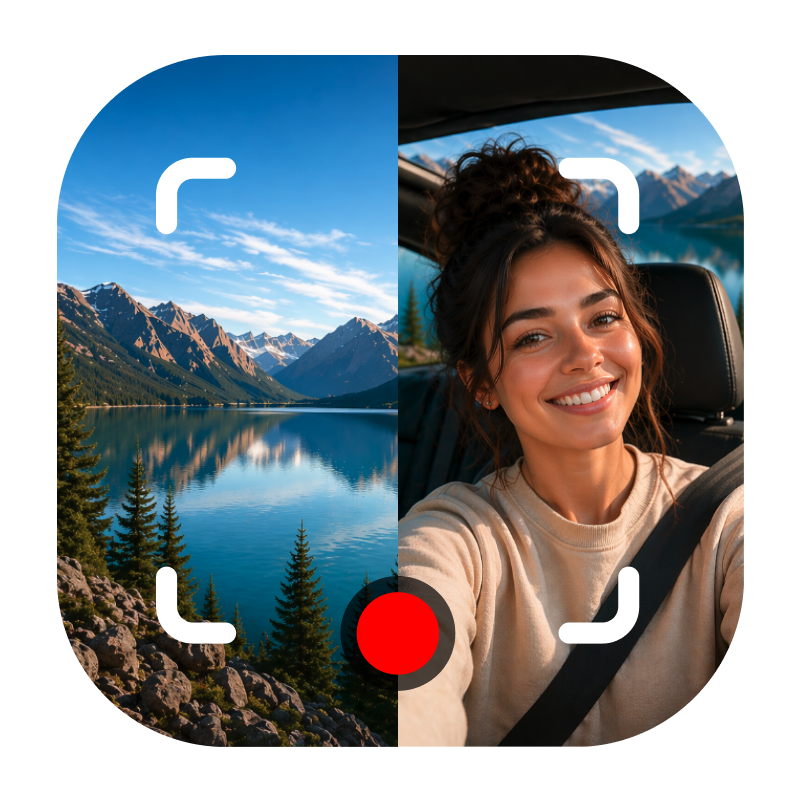
Dual Camera: DuoTake app icon

Dual Camera: DuoTake

Reaction & Teleprompter

Platform iPhone
Version 1.5.2
Best for Creators, reviews, reacts
Requires iOS 26.6 or later

Key features

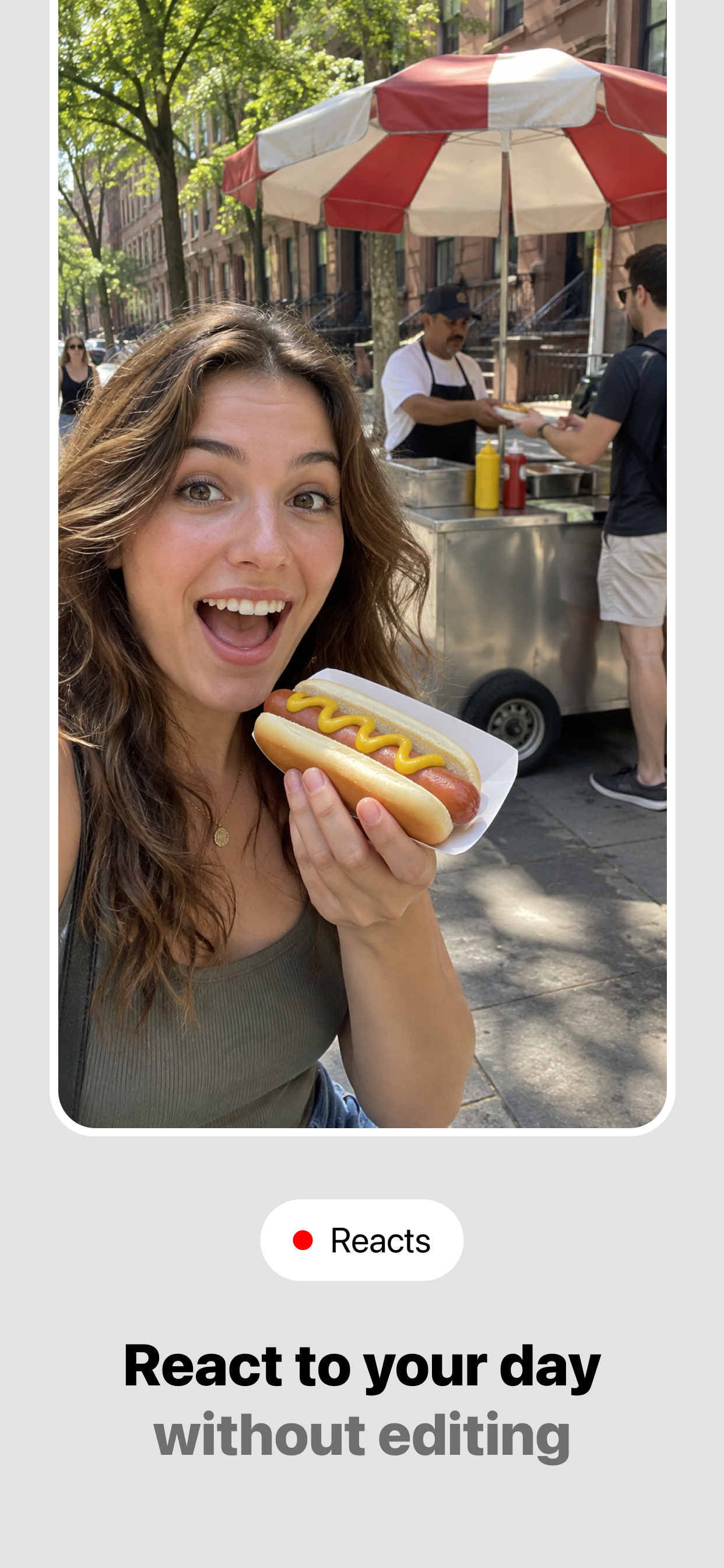
Photos and videos with two views

Capture the scene and your reaction together using both iPhone cameras.
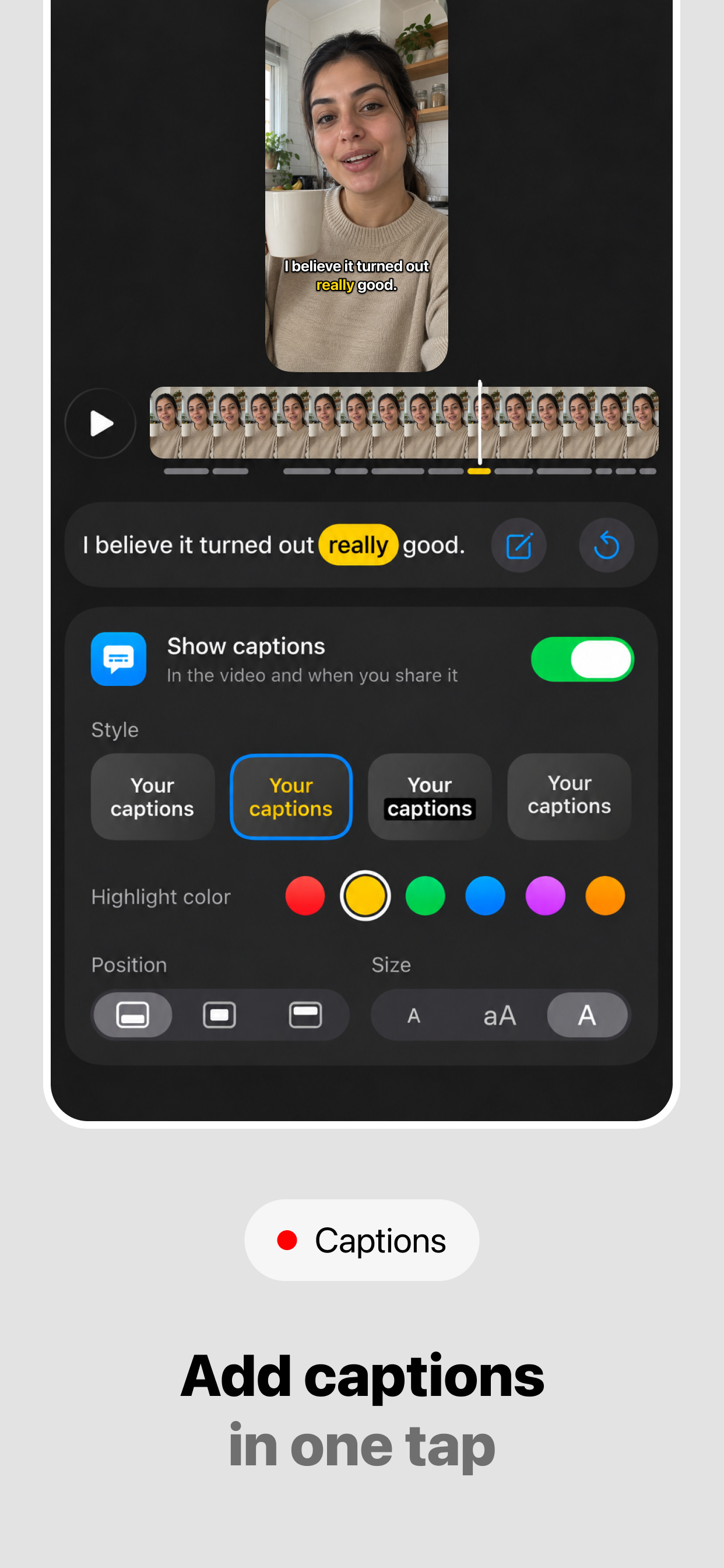
Auto captions on your iPhone

Transcribe gallery videos on device, without uploading your audio. Choose position and size, and tap any word to fix it. Classic is free; Premium unlocks Highlighted word, Box and Single word.

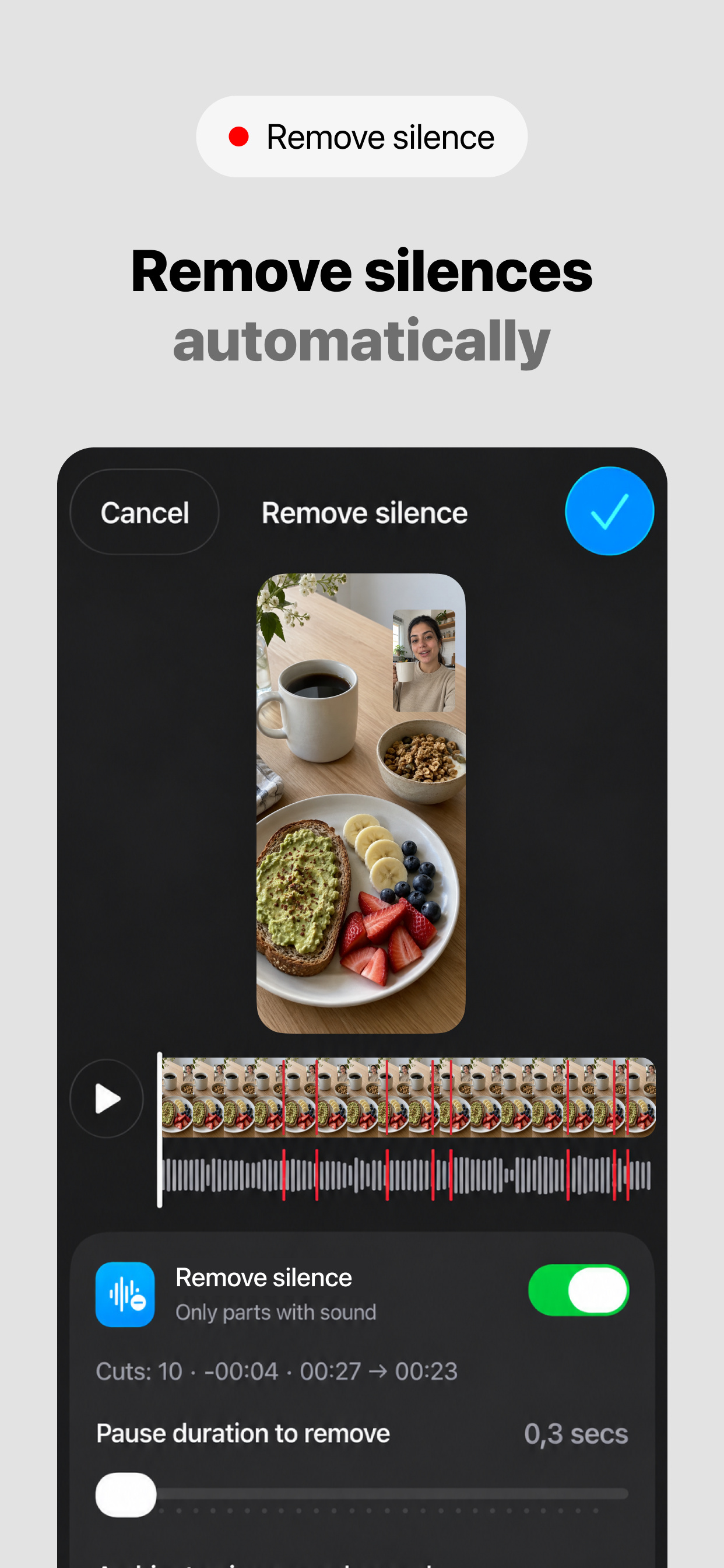
Remove silences

Premium finds the pauses without speech, marks the cuts in red on the timeline and keeps your original so you can undo it later.

React to imported content with Pro

Replace the rear view with an image, video or HTTPS web page. Fill or fit it, trim, loop and balance its volume, then pause, skip or scrub while you record.

Four layout styles

Compose your take with PiP, Cover, vertical or horizontal split screen, or Cutout.

Social media safe margin

Switch it on in Settings and PiP, Cover and captions stay in the area social apps keep visible, clear of the crop and the buttons. Nothing cropped when you post.

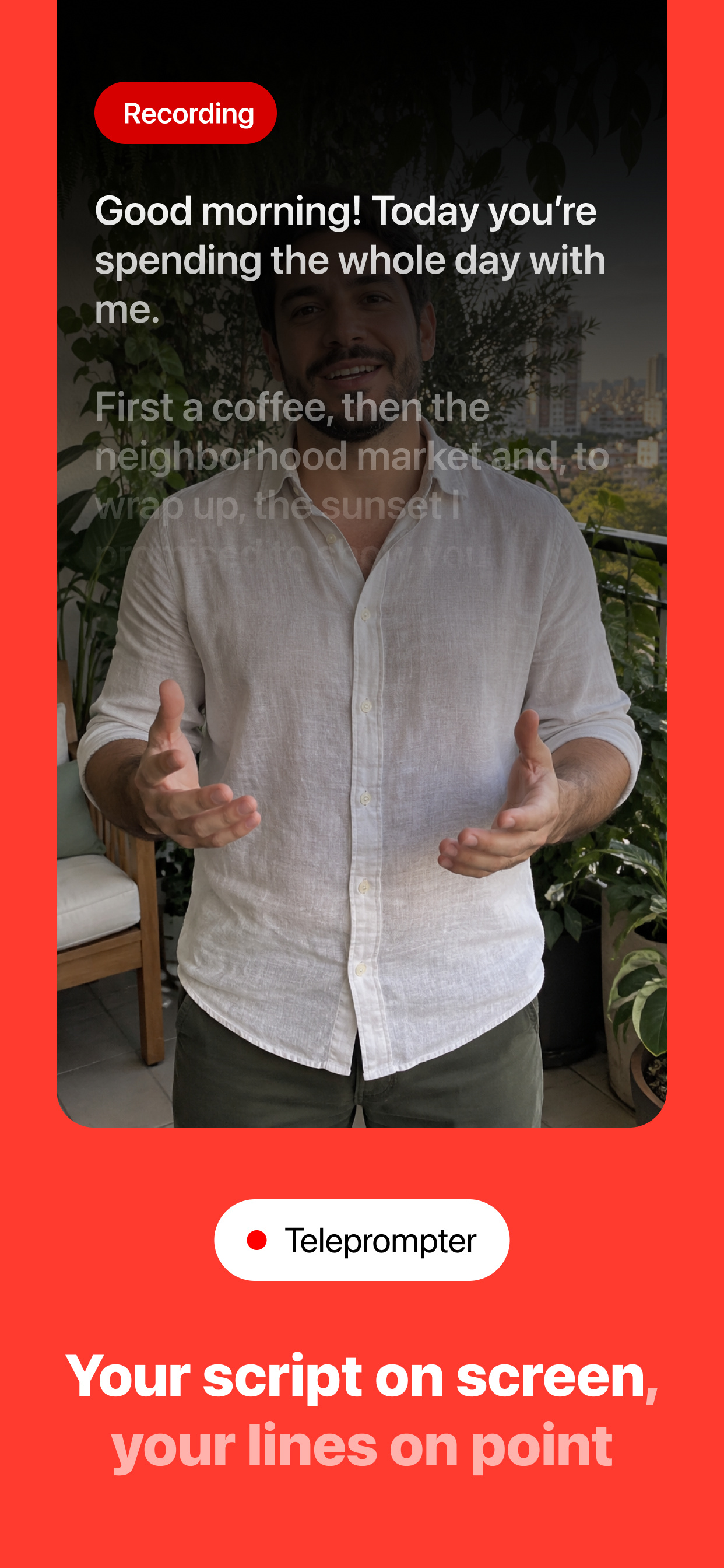
Premium Teleprompter

Write or paste a script and keep it visible during video capture.

Local gallery

Review your captures on your device, export to Photos or choose a destination in the system share sheet.

Free and Pro

Record up to 15 seconds and caption in the Classic style for free. Pro adds longer recordings, every caption style, Remove silences, automatic saving to Photos and sharing without the temporary watermark.

Best for

Record everything. Including your reaction.

DuoTake records with the front and rear cameras at once, showing what is happening and how you react in a single video.

Stay on script

Use the premium Teleprompter for presentations, reviews, tutorials, vlogs, and scripted reactions without looking away from the camera.

Ready to post

Add auto captions and cut the silences from your gallery videos so they are ready for TikTok, Reels and Shorts without another editing app.

FAQ

What is DuoTake?

DuoTake is a dual-camera video app for recording with the front and rear cameras at the same time. It helps you capture the moment, your voice, your script, and your reaction in one composed video.

Who is DuoTake for?

DuoTake is made for creators, product reviews, reactions, commentary, tutorials, vlogs, events, travel videos, and anyone who wants to show the moment and their reaction at the same time.

How do auto captions work?

Open a video from the gallery, choose the spoken language and tap Generate captions. DuoTake transcribes the speech on your iPhone, without uploading your audio, and works offline once the language's speech model is downloaded. You can place captions at the top, middle or bottom, choose the size, fix any word and show or hide them at any time.

Can DuoTake remove the silences from my videos?

Yes. With Premium, Remove silences finds the pauses without speech in a gallery video, marks the cuts in red so you can preview them and lets you choose how much breathing room to keep. Your original is kept, so you can undo the cut later.

Can I react to images, videos or web pages?

Yes. Pro lets you import an image, video or HTTPS web page to use in place of the rear-camera view, with framing, trim, loop and volume controls. Only use content you have permission to record and share.

Does DuoTake support background removal?

Yes. DuoTake includes Cutout background removal to help keep your reaction clean, focused, and easier to place over the moment you are recording.

Does DuoTake include a Teleprompter?

Yes. Premium users can use the Teleprompter to write or paste a script, follow the text during capture, and record presentations, reviews, tutorials, vlogs, and reactions more naturally.

Does DuoTake work offline?

Core camera capture, local media processing, Remove silences and auto captions work on your device. Downloading a language's speech model for the first time, loading a web page, purchases and purchase restoration need an internet connection. Saving to Photos requires permission.

How do I restore my purchase?

If you already unlocked DuoTake premium features, tap Restore Purchases and the app will ask Apple to verify your previous purchase using the same Apple ID — with no extra charge.